Building a portfolio that doesn't look like it was made with AI in 30 minutes
My process for refactoring my portfolio so it actually feels like me. A design system, wrist kit, and a new UI.
- published
- June 9, 2026
- read
- 3 min
- words
- 598
- topics
- 4
Well well well, if you're reading this, I already finished the refactor, and I hope you're thinking "wow." right now.
How I got here
I finished my portfolio. When I looked at it, I noticed something. It felt generic. The kind of site that looks like it was "made with AI in 30 minutes."
It had fun features, like the piano, but the UI wasn't me. I wanted something more unique. Something that actually came from me.
So I started refactoring it. I split the work into 3 parts.
1. A design system
The first part is something that had been in my head for a long time: entrepta.
entrepta is a dark-first design system. You copy the components into your project and own the code. No SDK, no black box. It ships with 14 components, 6 theme presets, and a CLI to set the whole thing up in one command.
If you want to look at it: https://entrepta.vercel.app
2. Wrist kit
While looking for inspiration for my new portfolio, I came across a personal site that made me stop and think "wow." That's the reaction I want people to have when they land on mine.
Two things in particular caught my attention.
- The bento grid. I hadn't seen this layout before. It's a grid of cards in different sizes that fit together like little boxes. I ended up using something similar on my own home page.
- The Apple Fitness ring. That little ring on the Apple Watch with your activity data.
I searched for a ready-made solution that gives you that Apple ring filled with your Apple Watch data, and I couldn't find one. So I built it myself. That's how wristkit was born.
The idea is simple. I use Apple Shortcuts to send my data to an endpoint. Every day the endpoint updates a ring component that lives on my site.
Both the design system and wristkit are live now. You can see wristkit in action on my home page, under $ cat ./off-the-clock, next to the Spotify widget and the mini piano.
If you want to use it on your own site: https://wristkit-web.vercel.app/
3. Prototyping and UI
For this part I used Claude to turn my ideas into something visual before writing a line of code. The plan: a bento grid on the home page, an editor metaphor chrome (titlebar, sidebar, status bar) wrapping every page, and the same content everywhere, just wearing a new skin. Blog, projects, about, contact, and piano all got the same treatment.
Before and after
Here's the actual comparison. These four screenshots are the old site, right before the refactor. The "after" is whatever you're looking at right now, since you're already on the new one.
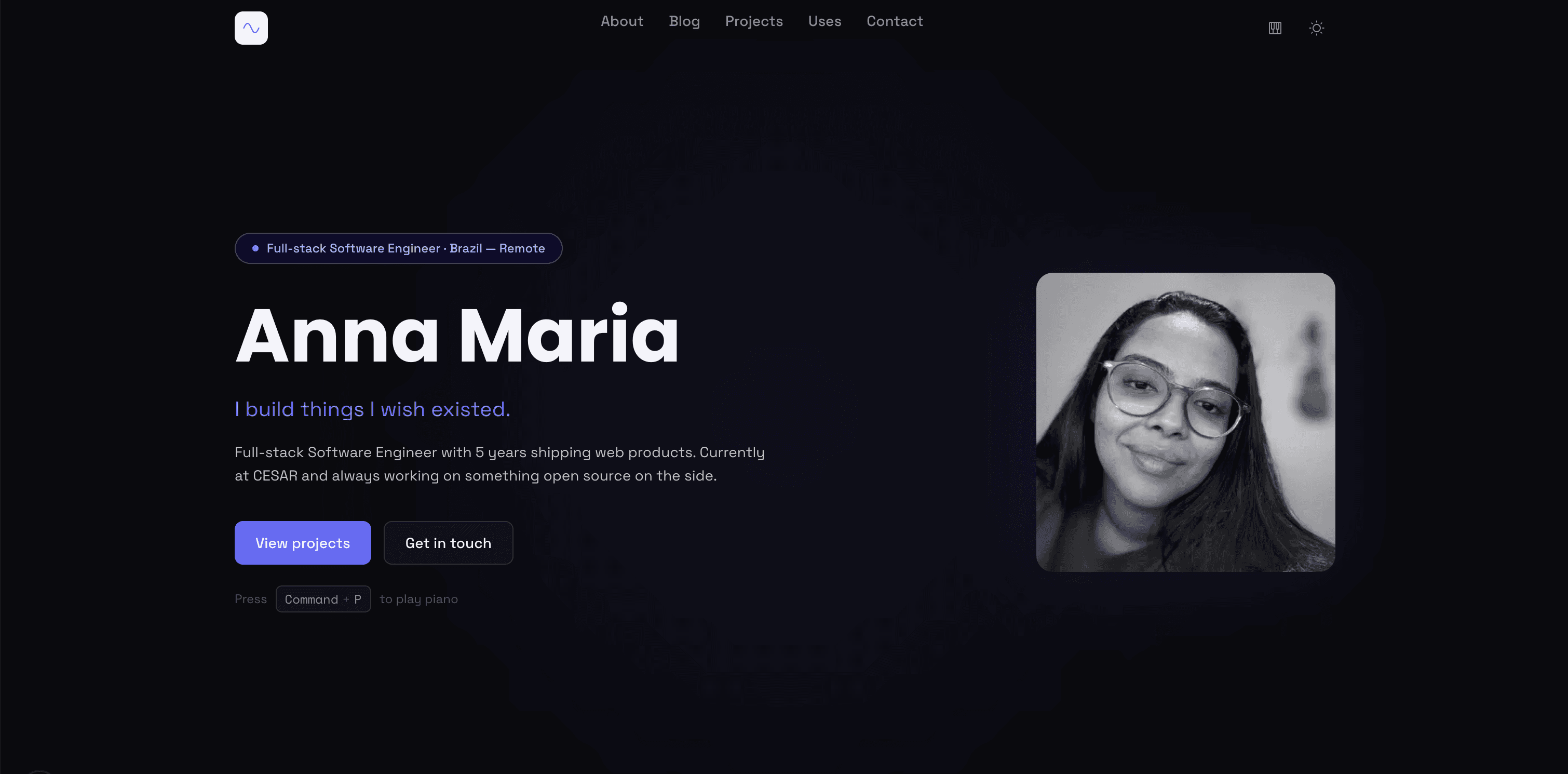
Before: home page
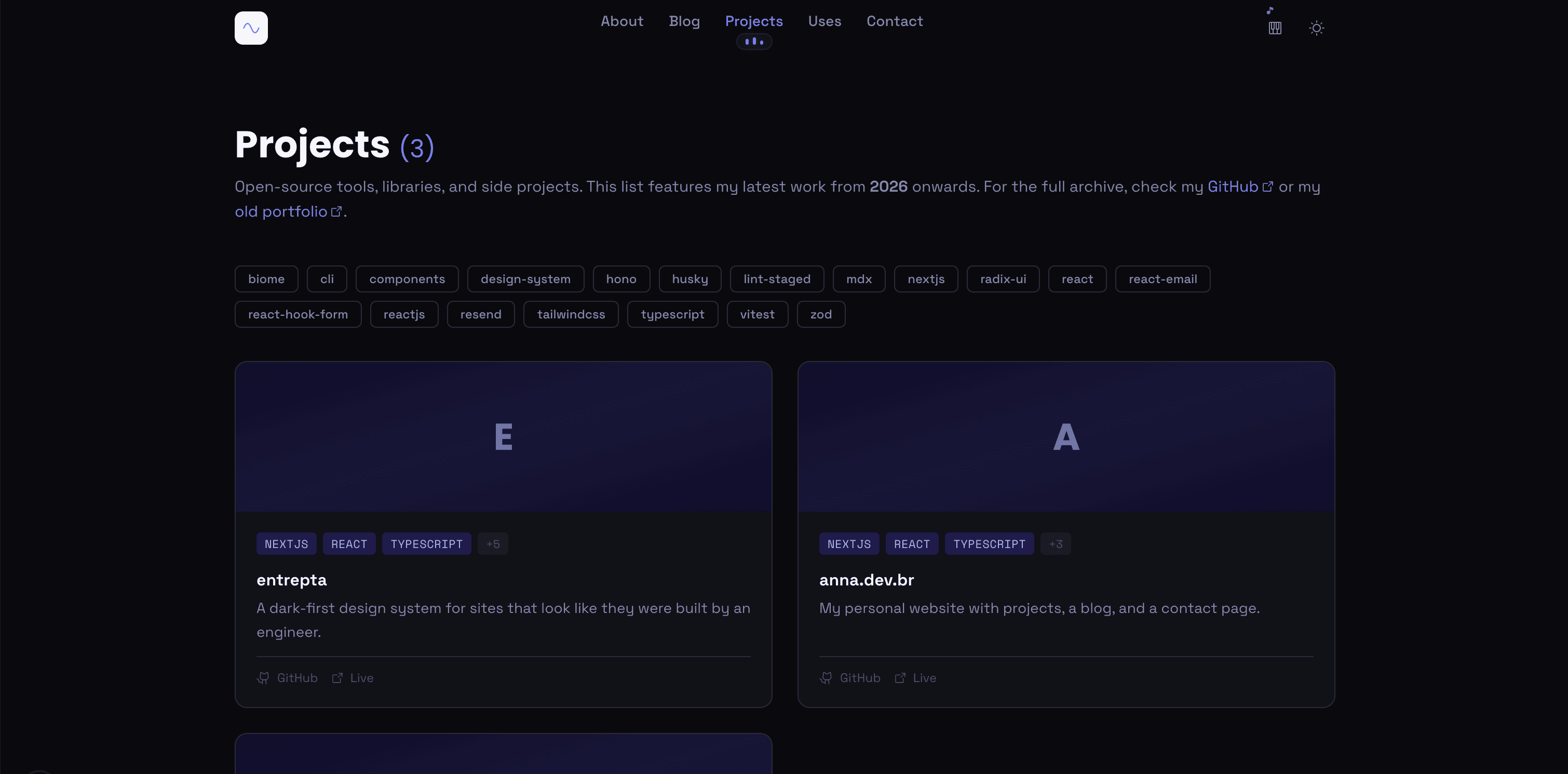
Before: projects page
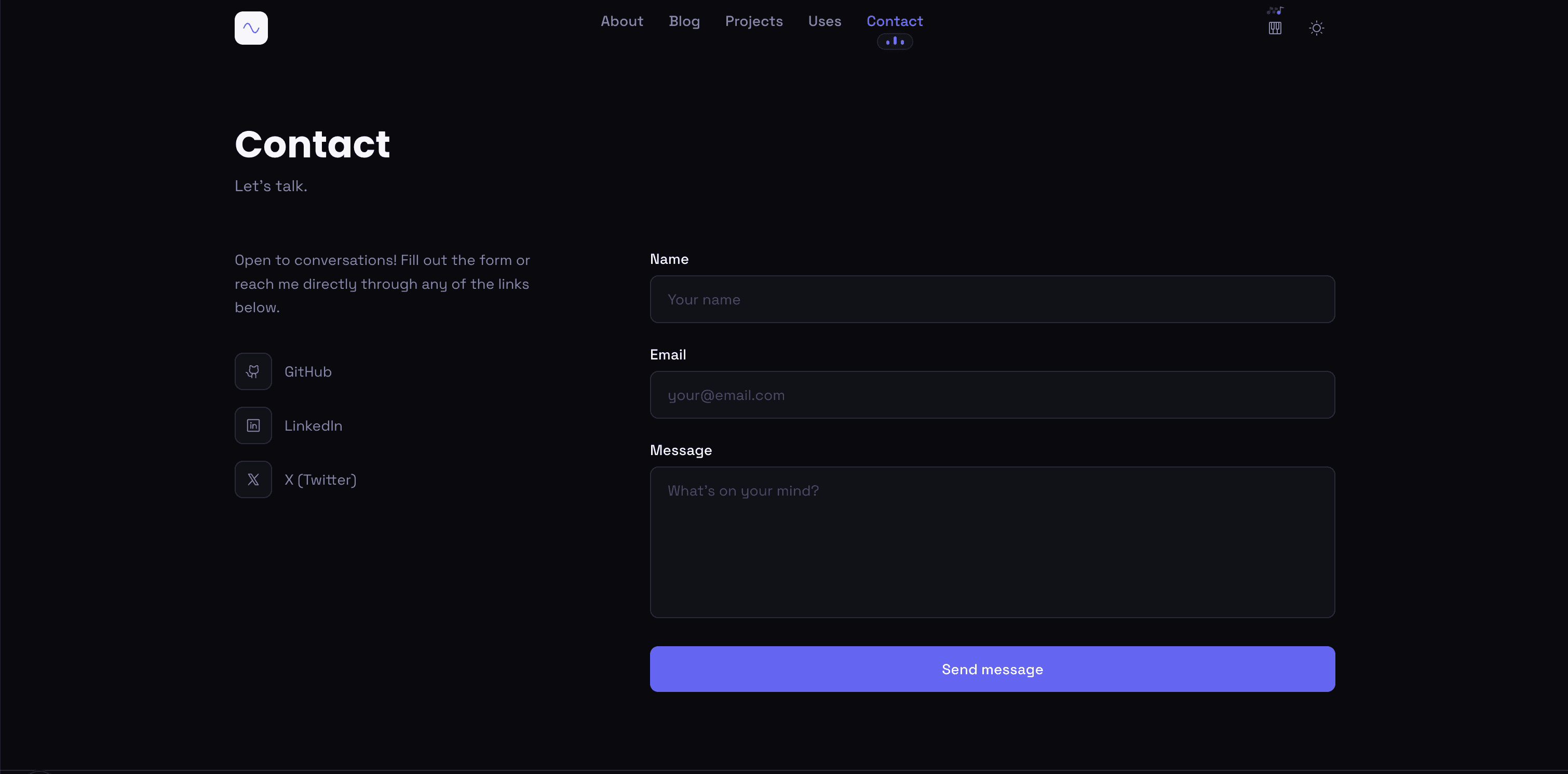
Before: contact page
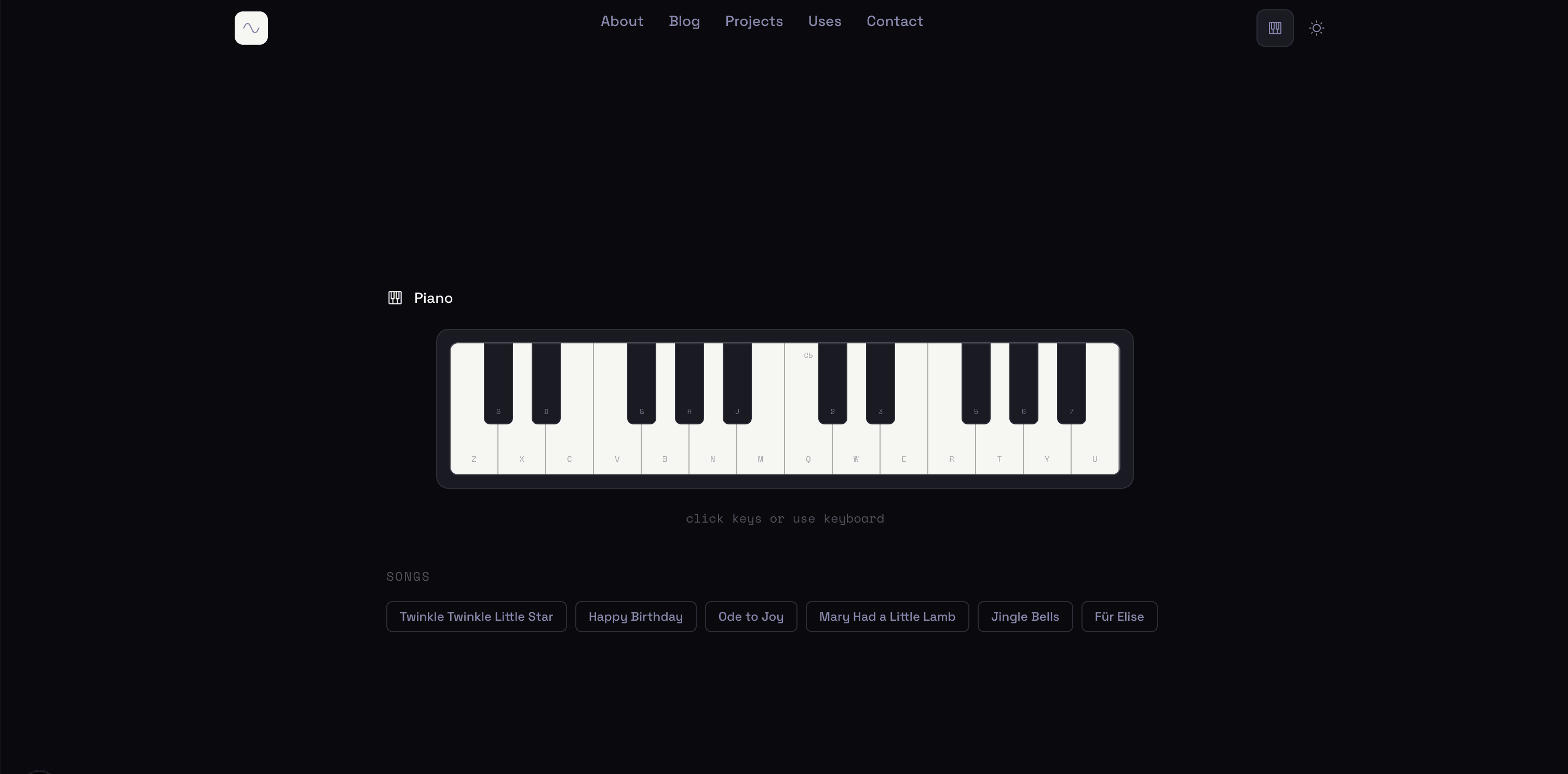
Before: piano page
Lighthouse scores
I also ran PageSpeed Insights before and after, just to make sure the new UI didn't tank performance.
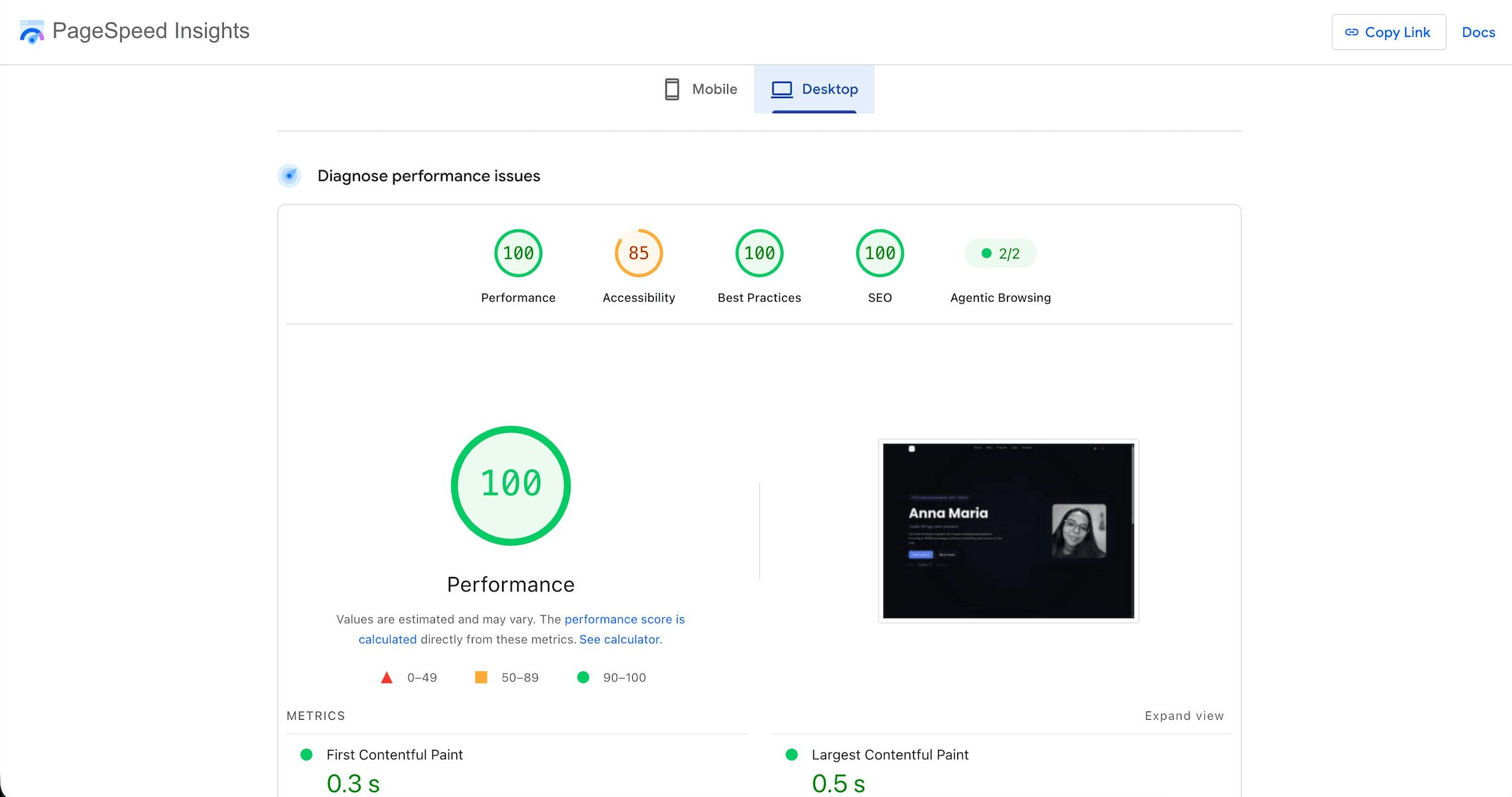
Before: 100 performance, 85 accessibility, 100 best practices, 100 SEO
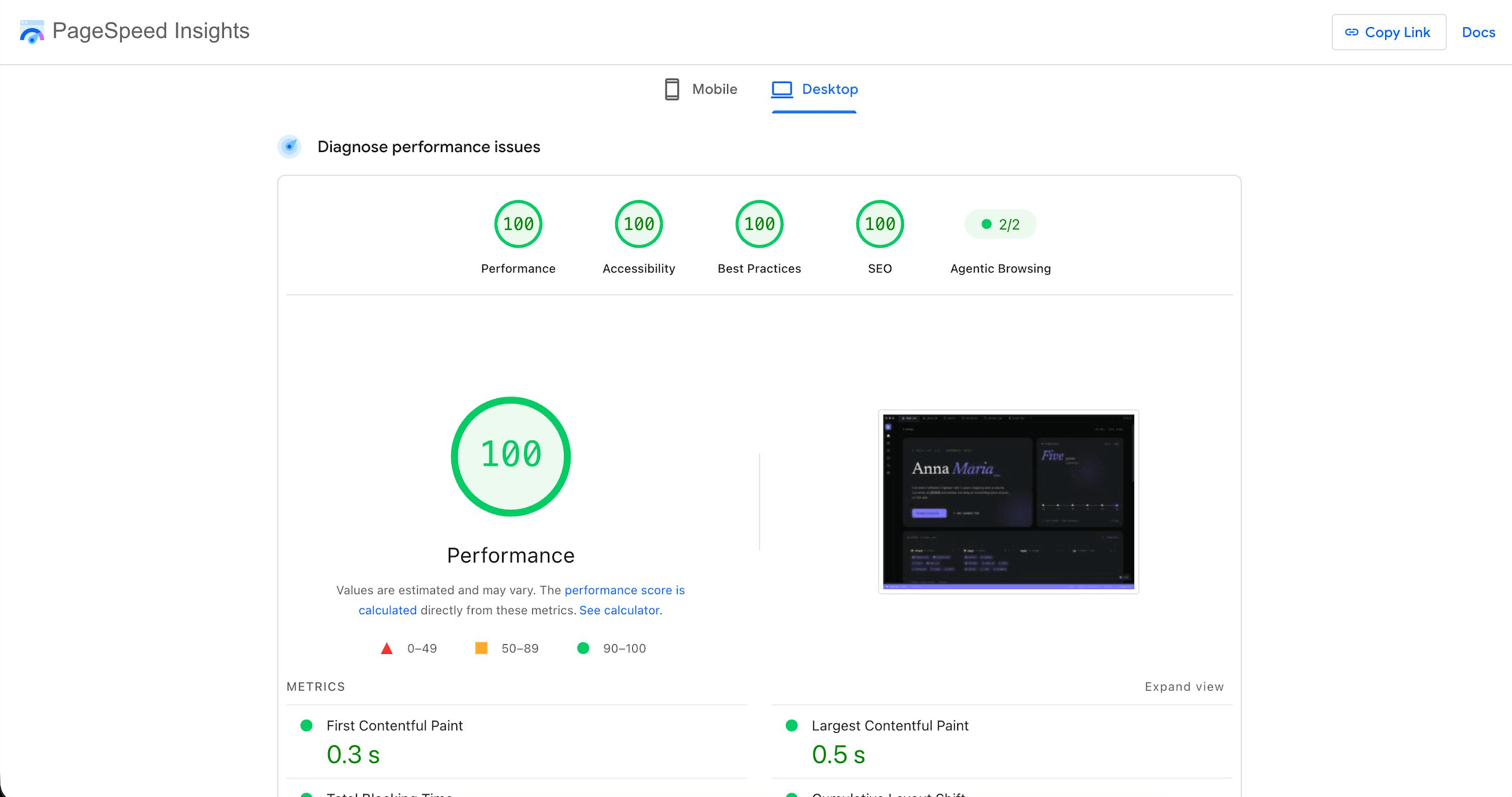
After: 100 performance, 100 accessibility, 100 best practices, 100 SEO
Accessibility went from 85 to 100. Everything else was already at 100 and stayed there.
What is next
The log page is still on my roadmap. Something like Letterboxd, but for everything: movies, series, albums, places I went to.
Past that, I want to add more personal stuff to the site. Not just the dev side of me, but who I actually am outside of code too.