notes / a note
· 5 min · 808 words
Building a portfolio that doesn't look like it was made with AI in 30 minutes
My process for refactoring my portfolio so it actually feels like me. A design system, wrist kit, and a new UI.
- portfolio
- design-system
- ui
- process
If you're reading this, this is the THIRD UI version of this portfolio. I've been having a lot of fun spending my tokens on this site, and I've been making improvements to it for a while now. In this note you'll follow the process of building each version (with screenshots to compare).
V1
How it was
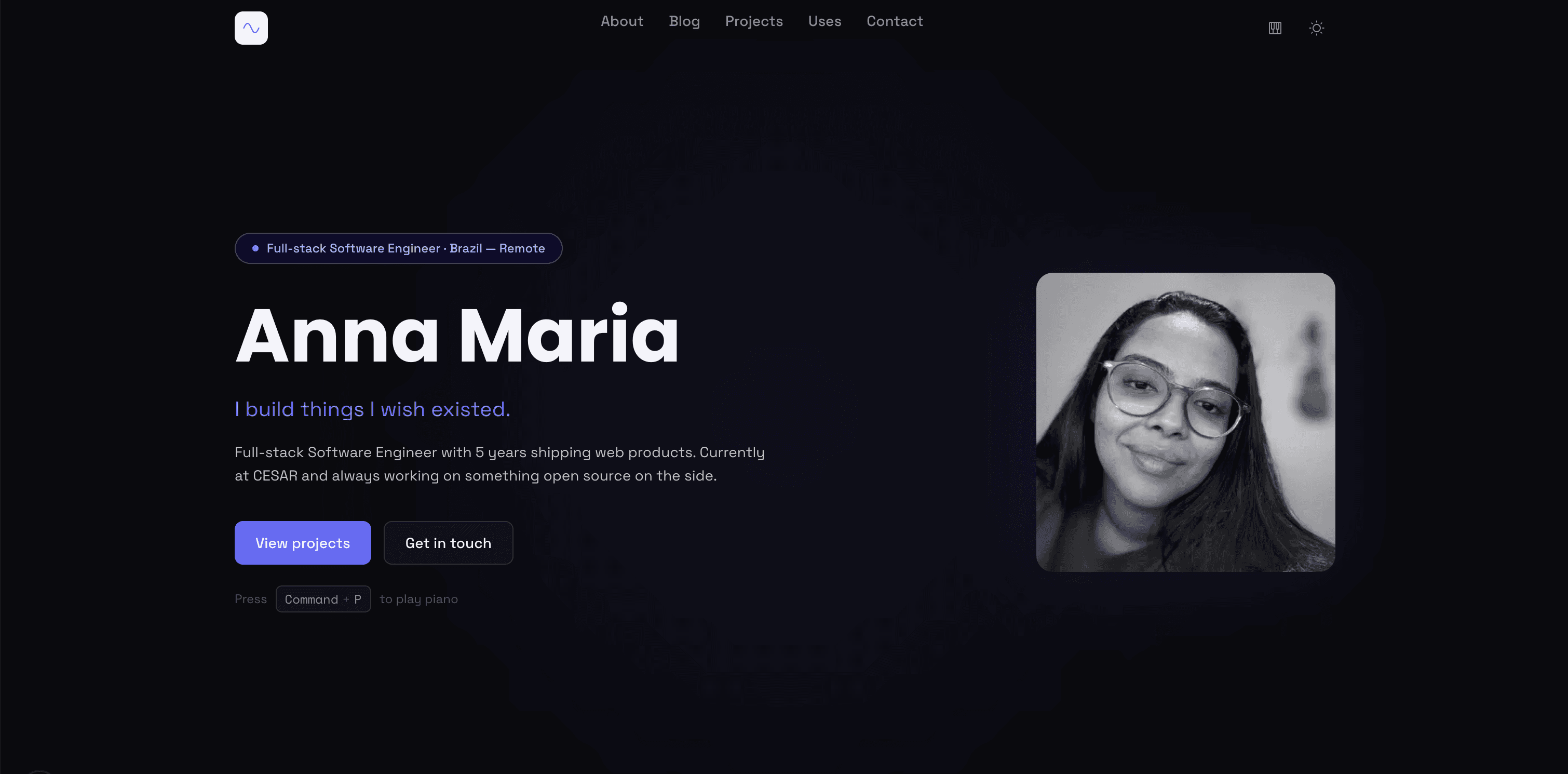
V1: home page
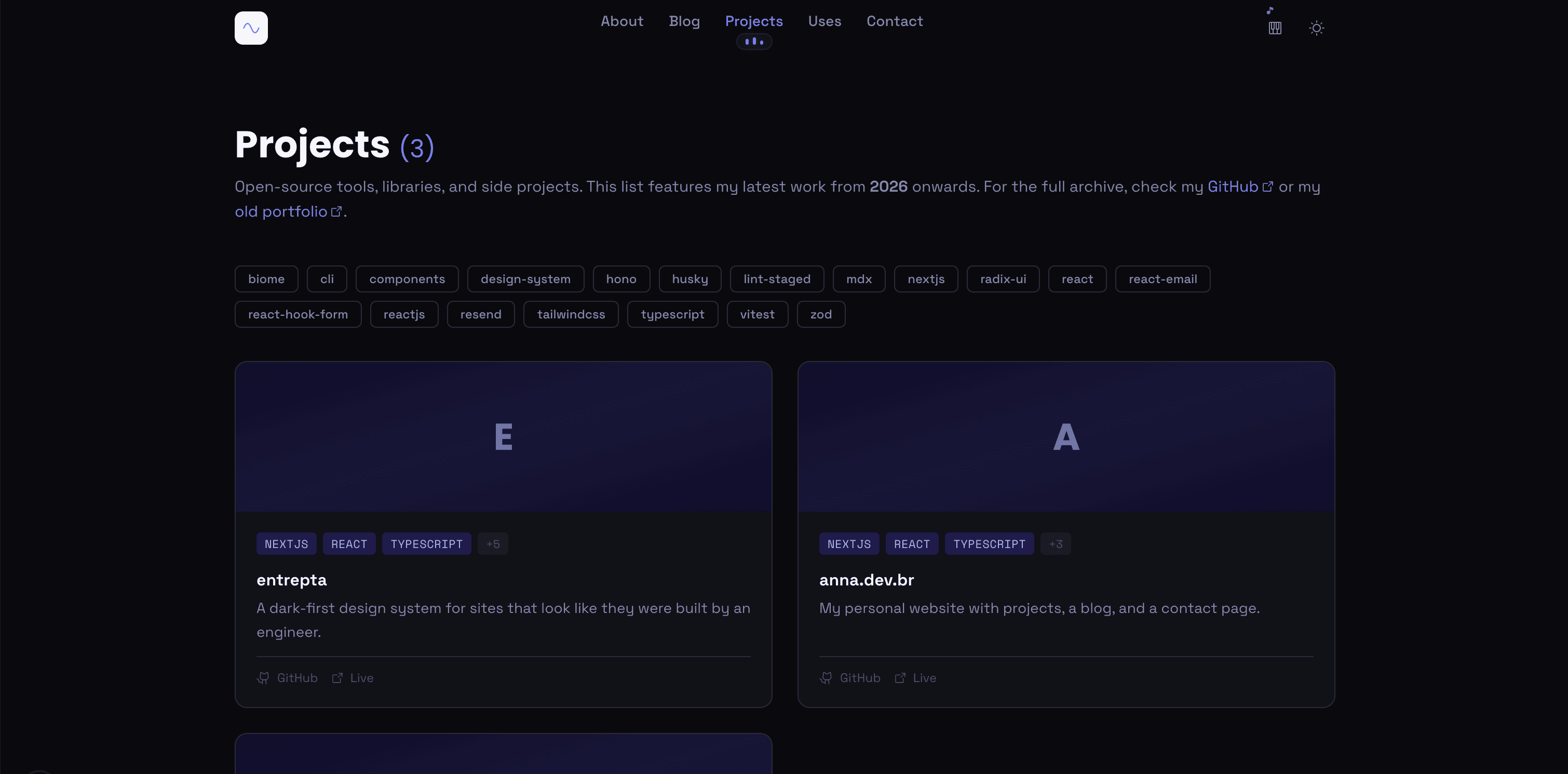
V1: projects page
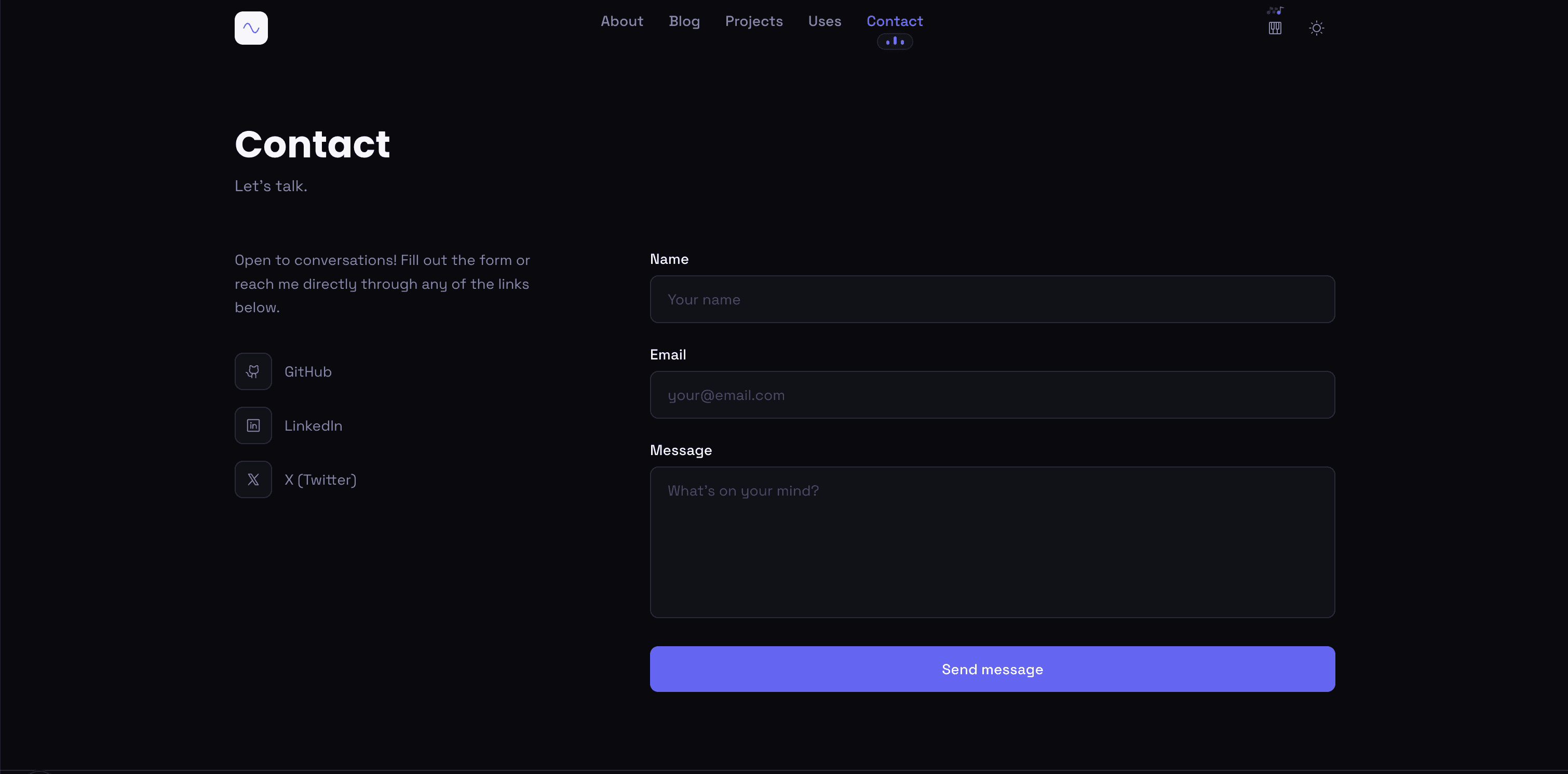
V1: contact page
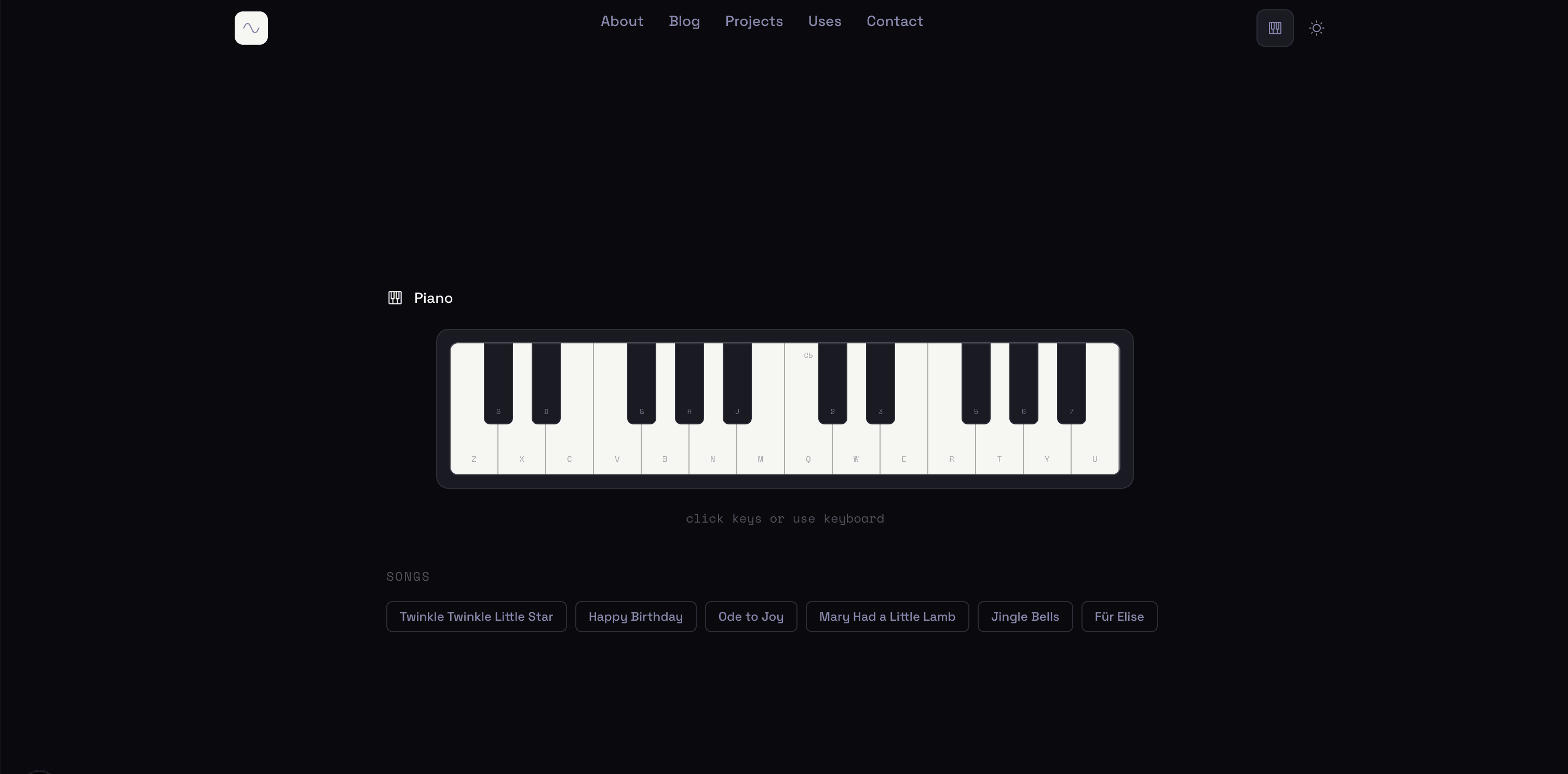
V1: piano page
Why I wanted to change
I thought it was too simple. After I started looking at other portfolios for references, mine was missing a lot of me. And this first version really was built in half an hour with AI (lol).
V2
How it was
This is where I started putting more of me into the project.
entrepta is a dark-first design system. You copy the components into your project and own the code. No SDK, no black box, and a CLI to set the whole thing up in one command. If you want to look at it: https://entrepta.vercel.app
wristkit started while I was looking for inspiration for my new portfolio. I came across a personal site that made me stop and think "wow." That's the reaction I want people to have when they land on mine.
Two things in particular caught my attention.
- The bento grid. I hadn't seen this layout before. It's a grid of cards in different sizes that fit together like little boxes. I ended up using something similar on my own home page.
- The Apple Fitness ring. That little ring on the Apple Watch with your activity data.
I searched for a ready-made solution that gives you that Apple ring filled with your Apple Watch data, and I couldn't find one. So I built it myself. That's how wristkit was born. I use Apple Shortcuts to send my data to an endpoint, and every day the endpoint updates a ring component that lives on my site. If you want to use it on your own site: https://wristkit-web.vercel.app/
For the UI, I used Claude to turn my ideas into something visual before writing a line of code. The plan: a bento grid on the home page, an editor metaphor chrome (titlebar, sidebar, status bar) wrapping every page, and the same content everywhere, just wearing a new skin. Blog, projects, about, contact, and piano all got the same treatment.
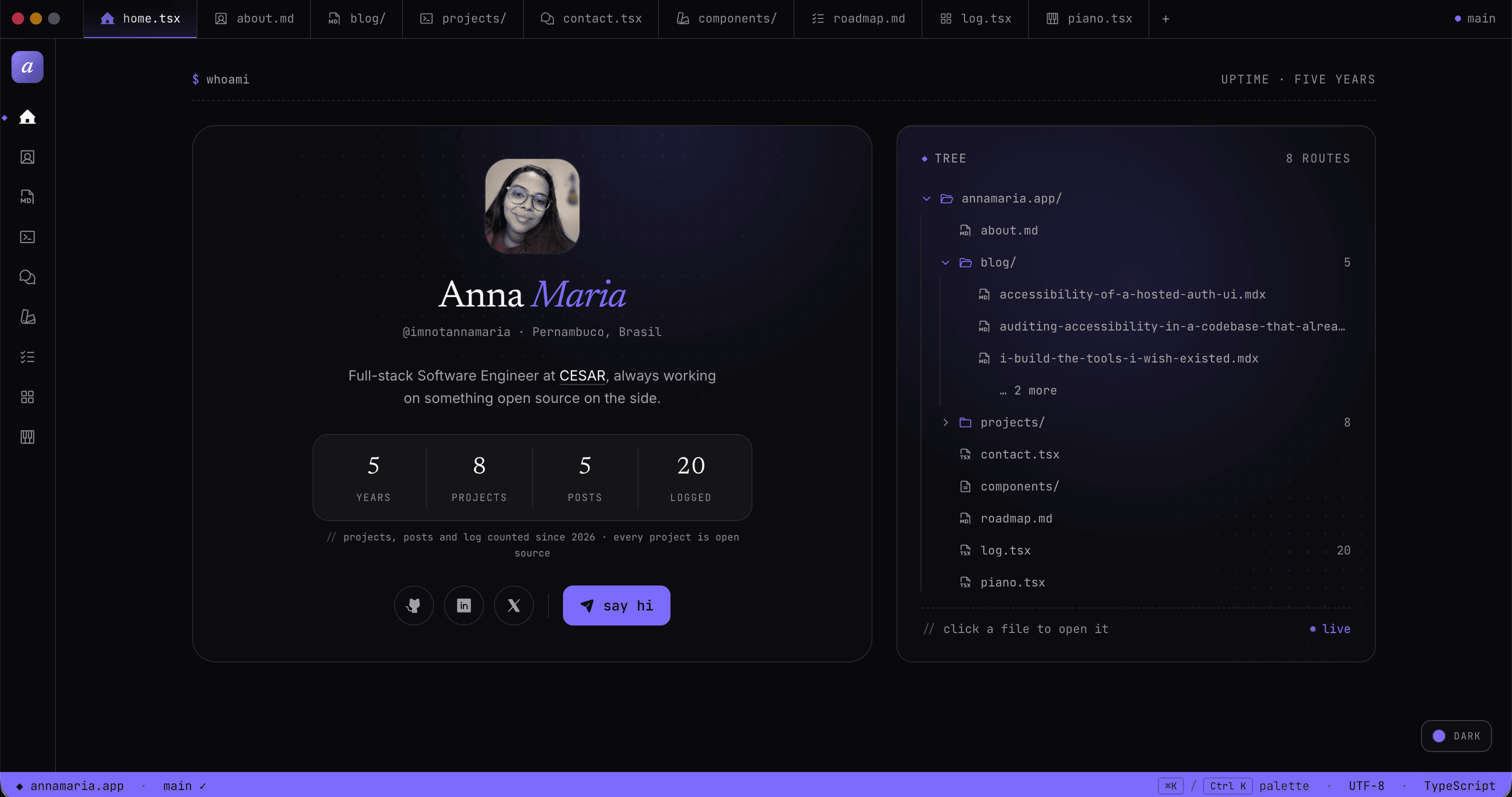
V2: home page
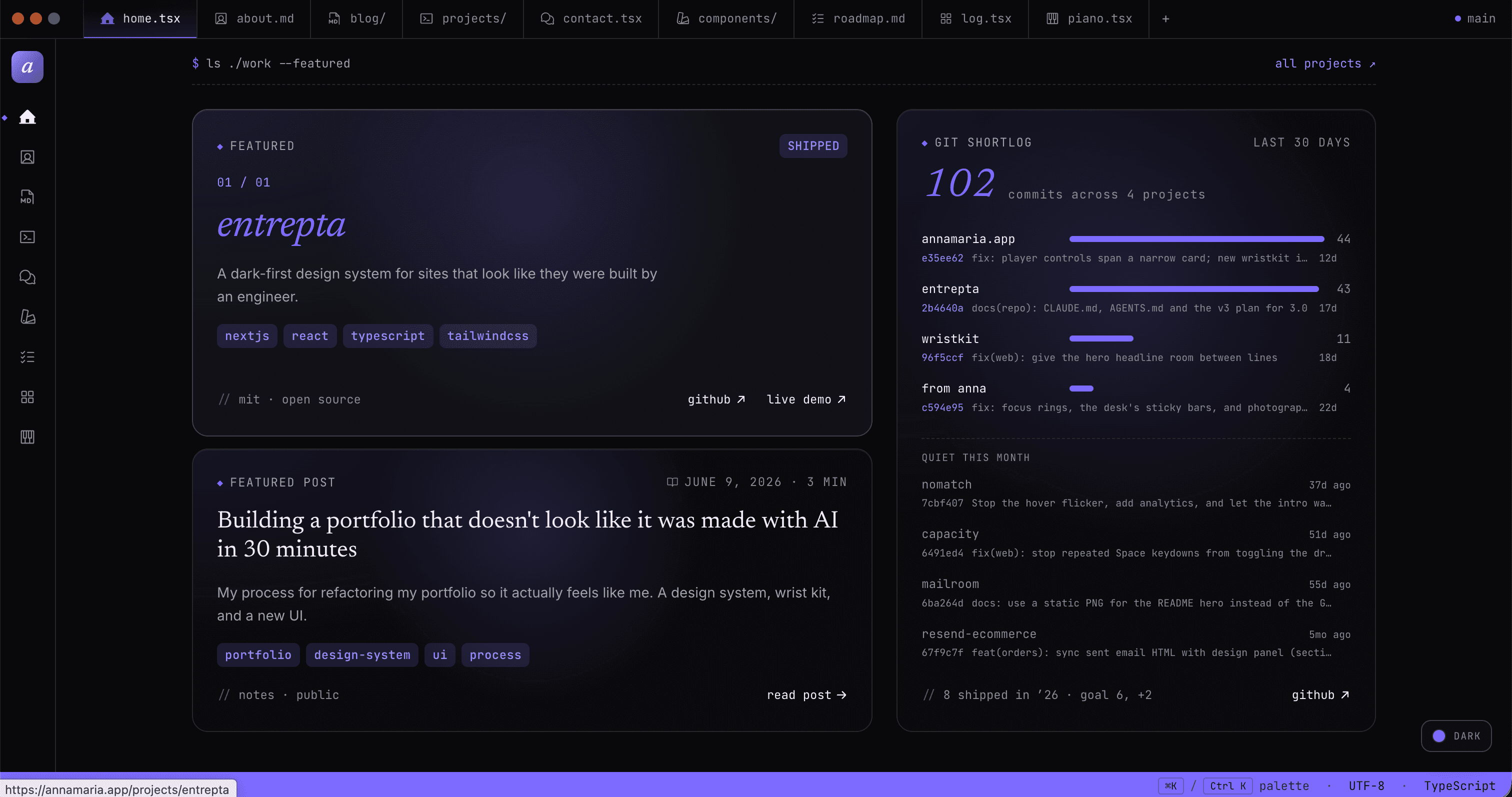
V2: home page, featured work
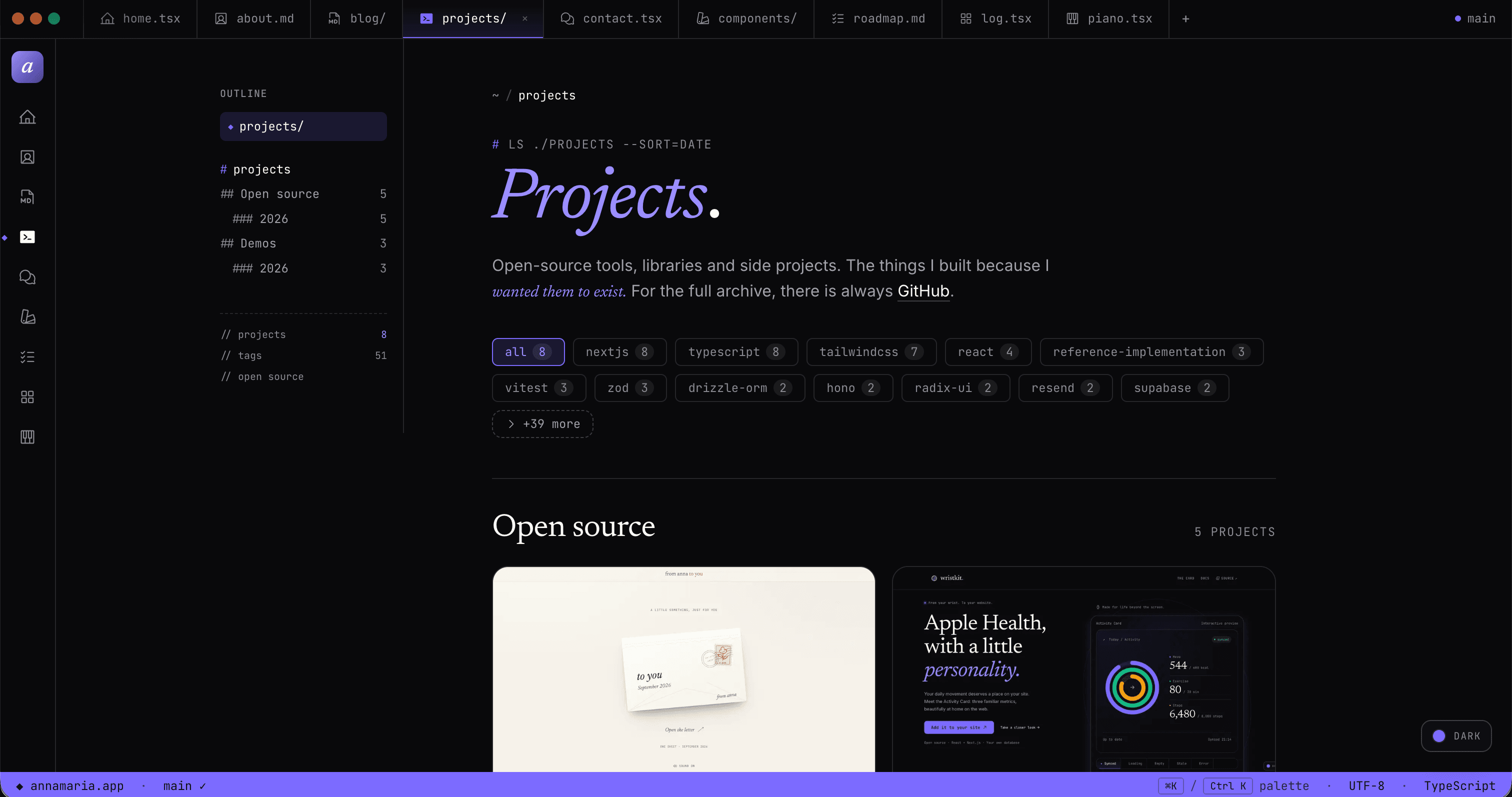
V2: projects page
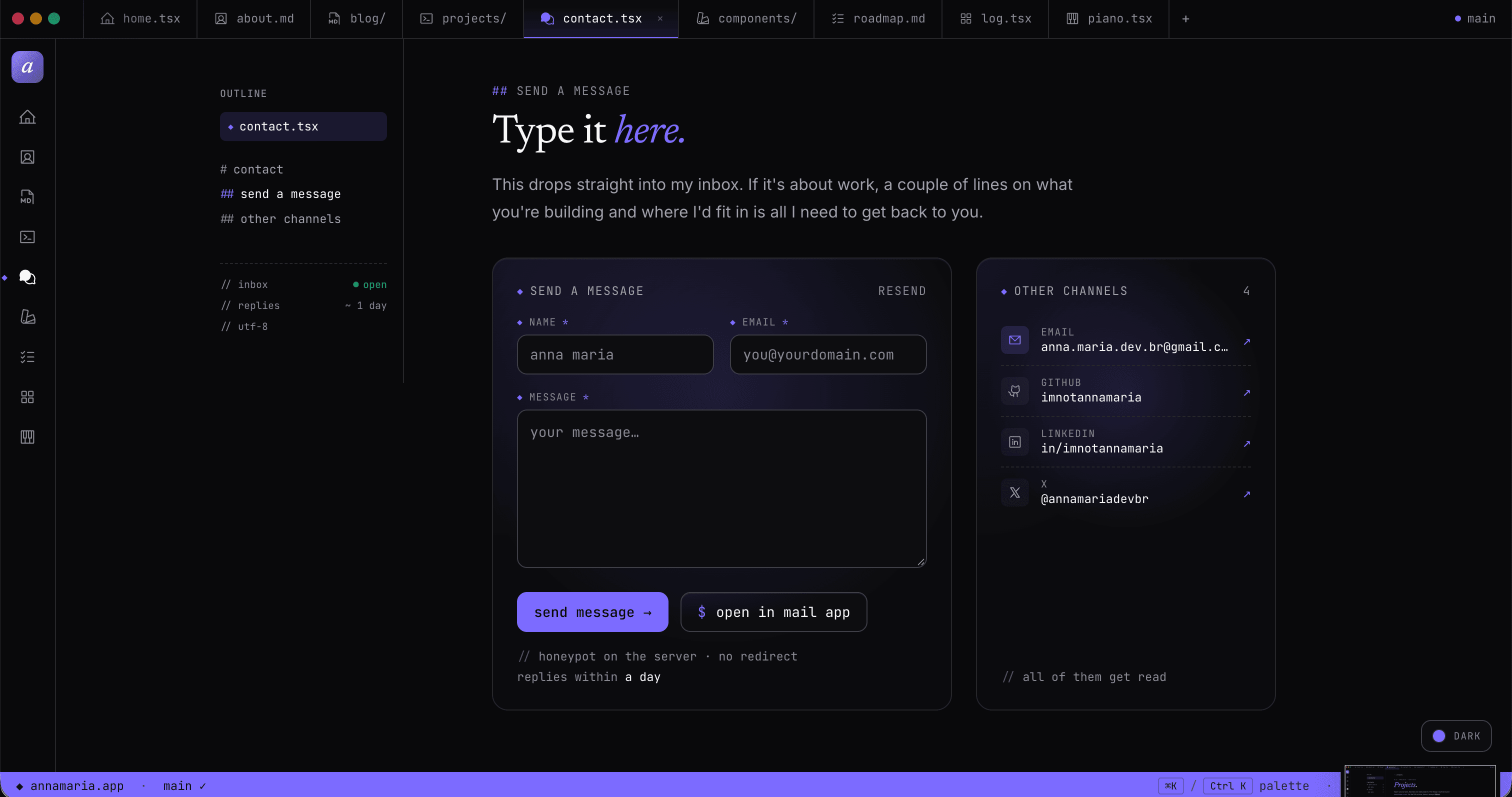
V2: contact page
Why I wanted to change
I felt it had too much stuff, too many pages, and the home was very messy. Looking at the analytics, people didn't look at the other pages, because the home had so much going on.
I learned more about animations here, and I built entrepta on top of this version, but then I got tired of it. I wanted something cleaner, with fewer things.
V3
How it is
This is the current version. I separated the pages better, I used more bento grid, mostly on the /person page, which is my favorite, I talked to an artist to create art of me, and I worked on the brand.
This one took me a lot longer to build. I did a discovery for each component, the footer, each page, working on each component individually: I'd say what I wanted, ask Claude to generate 3 versions of the UI, and keep shaping it from there.
The tone of entrepta changed a lot here. I stopped thinking of it as a personal design system, and started thinking of it as the design system I want to use in all my projects, no matter the theme. And entrepta v4 is out now: it took away that "posed as an editor" vibe (no more ◆, no //, no editor frame), and it's simpler and more customizable, with a seventh theme, taylor, that is flat and monochrome. This site is still on v3 for now. I should write an article about that too.
This version also brings this visualization of who I am as a professional: the site is split between front, back (a terminal) and IA.
I learned more about AI engineering in practice, and I researched security and prompt limiting.
I've always loved little games in portfolios, so I added a memory game with a record board in the footer.
And Abimaela, my cat, a mascot like a tamagotchi that I want to evolve in the future (you can see more in docs/abimaela.md on GitHub). She has several animations that I made using sprites, and she reacts to clicks and page changes.
And of course, all of it with good Lighthouse scores. I paid attention to the details, mostly performance and accessibility.